Consistent Characters
Use character references to carry the same people through your story.
 CineBoardHero
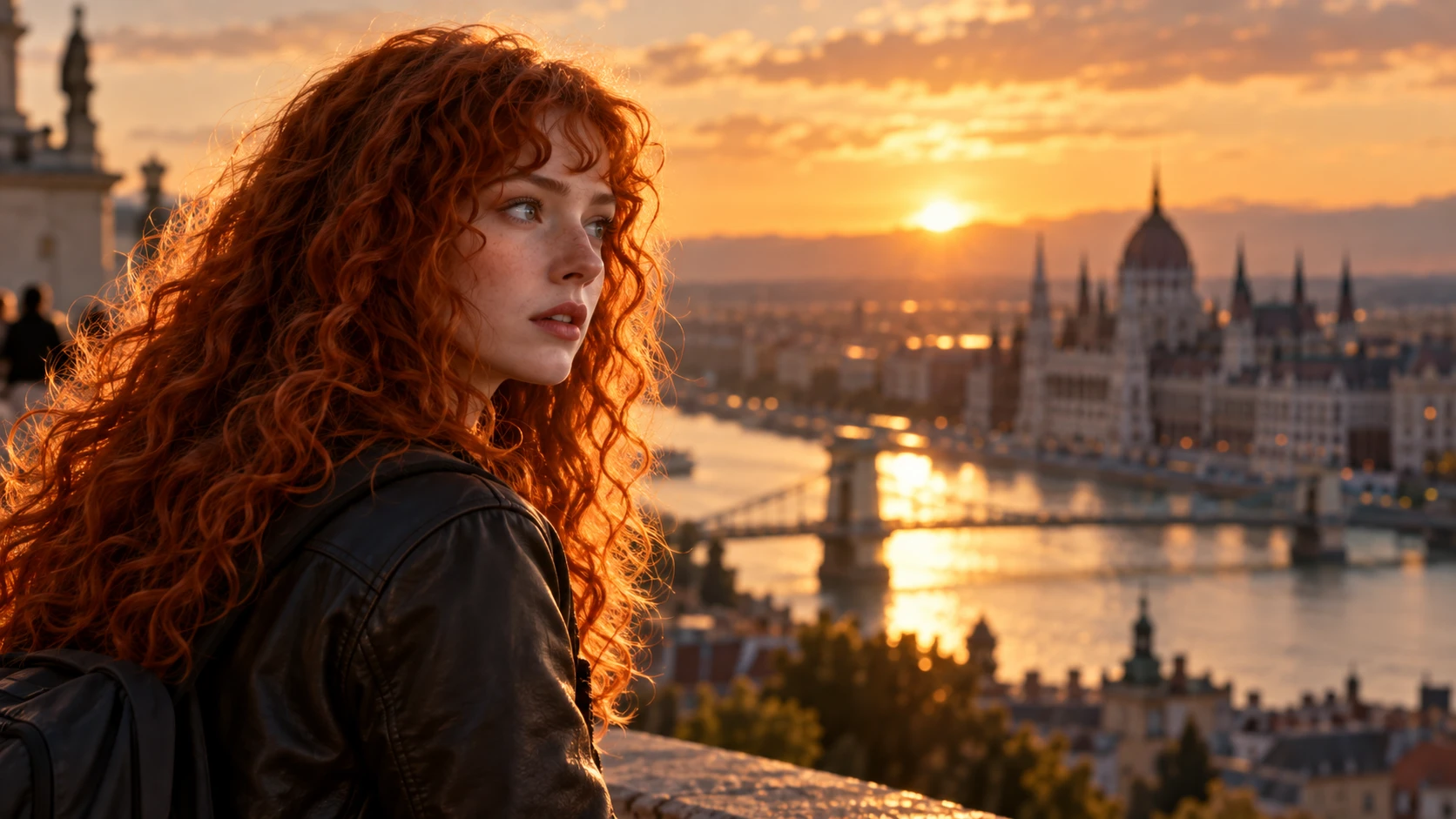
FROM IDEA TO VISUAL STORY
Turn your script into an editable visual storyboard. Plan camera shots, reuse character references and export storyboard PDFs and shot lists with CineBoardHero — built for short films, features and small production teams.

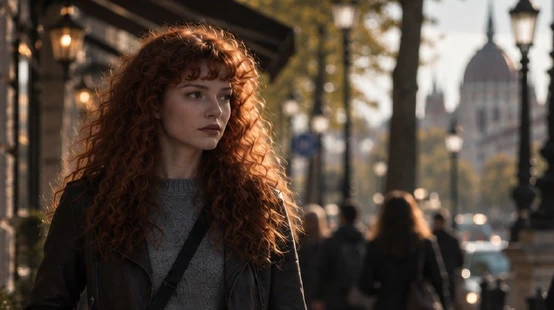
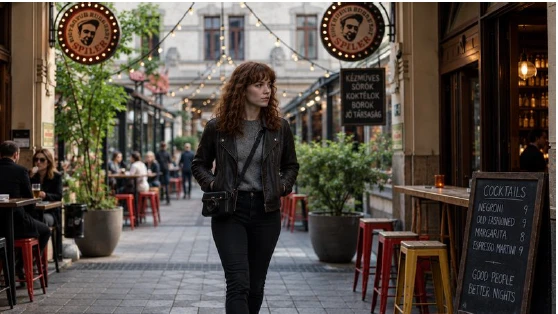
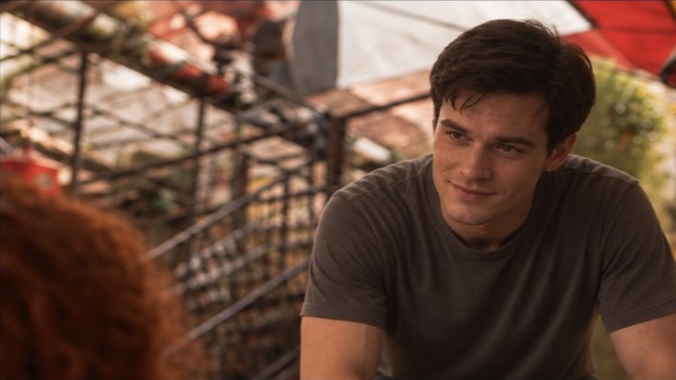
Use character references to carry the same people through your story.
Wide, medium, close-up and more. Explore different perspectives.
Create the right mood with lighting, colour and atmosphere.
Turn your script into a visual storyboard, one story beat at a time.
IDEAS TO VISUALS IN MINUTES
Upload a screenplay or start with a story idea. Review the scene and shot breakdown, choose your visual style, then generate storyboard frames. You decide the coverage and refine the results.
See how to turn a screenplay into a storyboard.
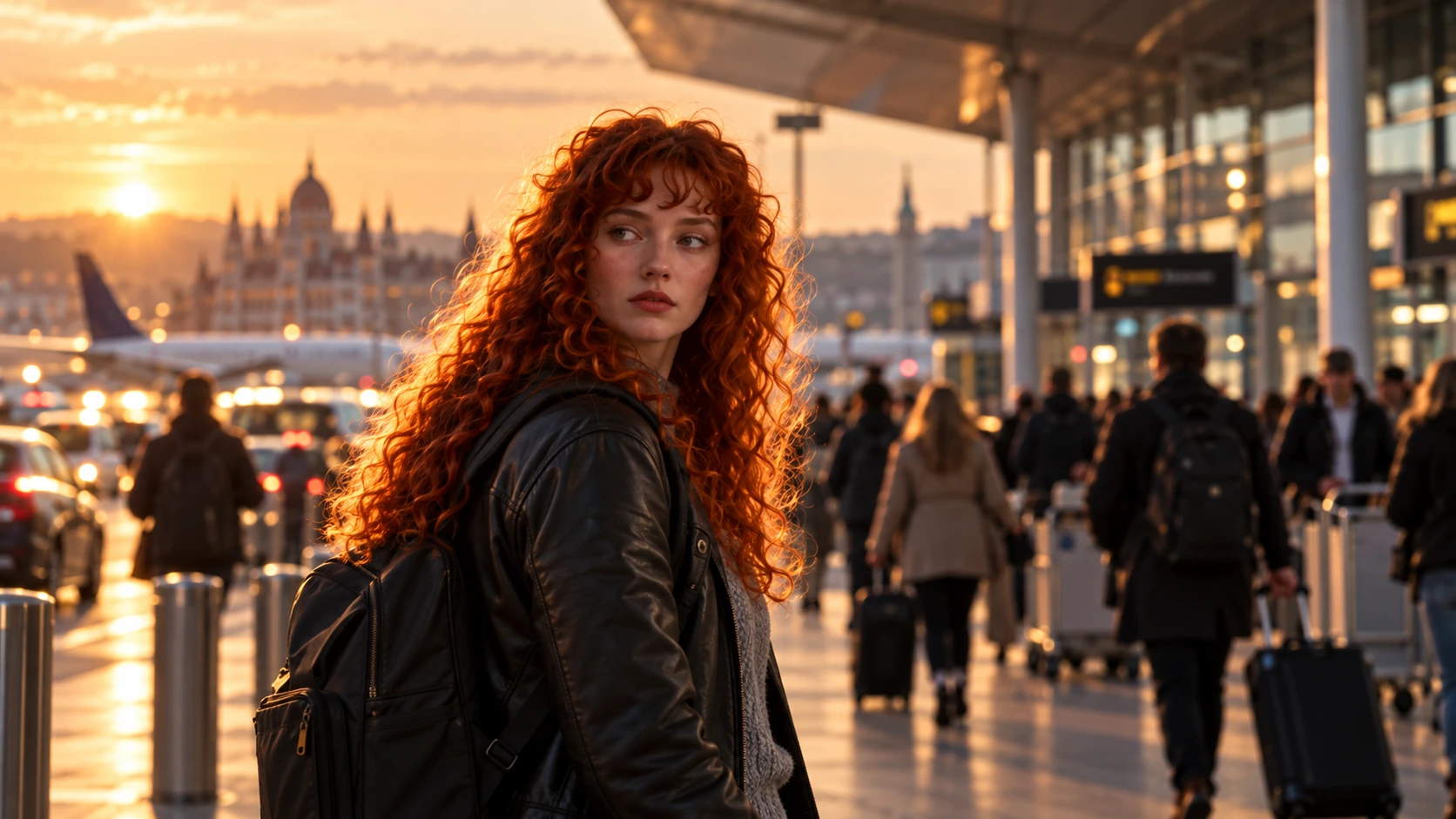

Warm highlights, cool shadows and rich contrast.
Clean blue tones with a contemporary feel.
Deep shadows, practical lights and muted colour.
Bold colour and energetic city contrast.
KEY FEATURE OF
Choose a visual style to define the look of your story. Adjust lighting, tones and colour to enhance anything on individual shots.
KEEP YOUR STORY CONSISTENT
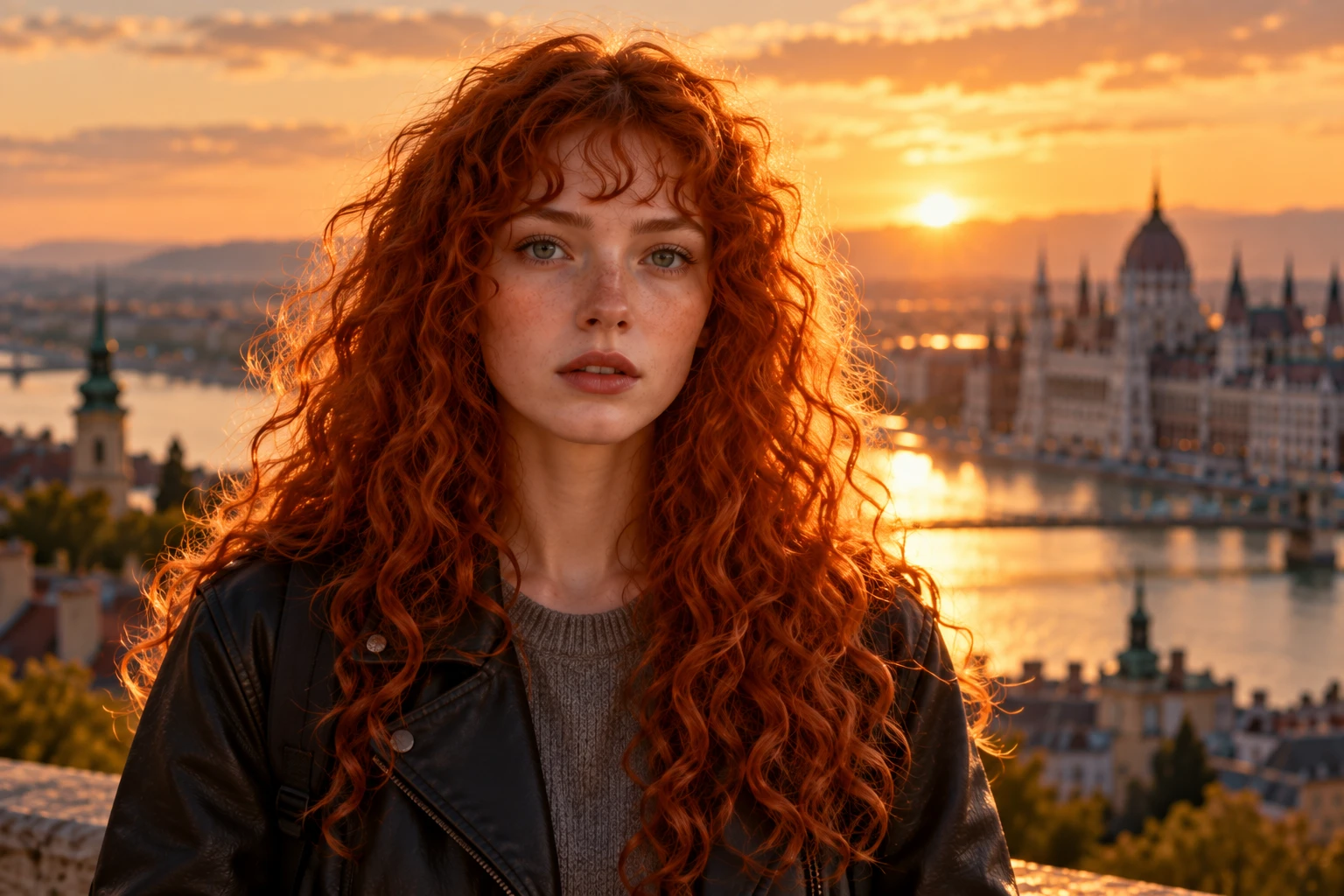
Assign character, location and prop references to your shots. Review identity, wardrobe, eyelines and continuity across the sequence; AI results can vary between generations.
Read the character consistency guide.
MORE CREATIVE CONTROL
Plan your shots with an interactive 3D scene. Adjust positions, angles and movement to get the perfect storyboard shot.
FROM STORYBOARD TO PRESENTATION
Turn your storyboards into beautiful pitch decks, shot lists, or production docs. Perfect for clients, collaborators and your production team.
SEE THE OUTPUT
Explore five CineBoardHero storyboard excerpts with notes on framing and continuity, plus a downloadable shot-list CSV. Use the examples to decide which shots your scene needs before generating a full sequence.
MAKE THE NEXT SHOT COUNT
Script breakdown
Break a scene into visual beats, choose coverage and review the frames before export.
Production planning
See how a visual plan and a production checklist describe the same scene differently.
Character continuity
Prepare references and check identity, wardrobe, eyelines and action across the sequence.
LEARN THE WORKFLOW
Choose a story idea or screenplay, then prepare the board for its first frames.
Refine each shot's story, camera setup and composition, then compare versions.
Share an illustrated storyboard PDF or download the shot list as a CSV.
BEFORE YOUR FIRST STORYBOARD
It turns written scene and shot descriptions into visual frames. In CineBoardHero, you review your script breakdown, select a style, assign references and generate images for individual shots. Edit the shot details and compare variations before choosing the frames for your board.
Explore the storyboarding workflowYes. Start with a screenplay, review the scenes and proposed shots, then add character and location references. Check that each shot communicates the action before generating frames. You can also begin with a story idea.
Follow the script-to-storyboard guideYes. CineBoardHero offers a Free plan with limited credits. It requires an account and card setup through Stripe, with $0 due and no automatic paid upgrade. Free credits do not reset. Check the current allowances before choosing a plan.
Compare Free and paid plansUse the same character references and assign them to the relevant shots. Keep descriptions, wardrobe and locations clear, then review each frame for continuity. References guide the results; they do not guarantee that every generated detail will match.
Learn how to review character continuityExport your selected images as an illustrated storyboard PDF, or download the production shot list as PDF, CSV or XLSX. Review shot order, descriptions and camera details before sharing the plan with collaborators.
Watch the storyboard export tutorialYou can plan storyboard frames without drawing them yourself. A storyboard is a sequence of still images used to plan a film; review it for coverage, pacing and continuity before production.
Browse AI storyboard examplesREADY TO BRING YOUR STORY TO LIFE?